· 7 min read · Orris team
How to Pay for Netflix and Spotify from Russia in 2026
These services stopped accepting Russian cards in 2022. Here is which card works, how to attach it to a subscription, and why a payment sometimes fails.

Netflix and Spotify suspended operations in Russia in 2022, and Russian bank cards stopped working with them. Many people kept their accounts, though: playlists built over the years, family profiles, shows saved in My List. The subscription still has to be paid for, and the thing that usually helps is a card issued outside Russia. Below is how it works, what to check in advance and where the pitfalls are.
Why a Russian card does not go through
Visa and Mastercard cards issued by Russian banks have not worked abroad since March 2022, and foreign services do not accept Mir. Netflix and Spotify have no ruble payment options either — they simply have no Russian store. So you need a card issued abroad, and one the service is willing to accept for your account.
Payment is only half the story. Netflix and Spotify do not officially operate in Russia, and each service decides by its own rules where it and its catalog are available. We do not advise working around restrictions: the card helps you pay where the service is available — for example, if you live abroad, travel often, or moved and kept your account.
Which card works
Services check more than whether there is enough money. They look at the country where the card was issued (identified by the BIN, the first digits of the number), the card type and the payer details. Here is what matters:
- The card country matches the account country. For an account registered in Singapore, a card with a Singapore BIN is the most natural fit.
- The subscription currency. Services bill in the currency of the account country — for Singapore that is Singapore dollars (SGD). If the billing currency differs from the card currency, a conversion fee is added.
- 3‑D Secure support. Some payments are confirmed through the card issuer. Without 3‑D Secure they will not go through.
- A buffer on the card. The service charges the subscription price and the card provider charges its fee. If you are even a cent short, the payment is declined.
Orris Universal is a virtual Visa Signature card issued in Singapore (a Singapore BIN) with a US dollar account. It supports 3‑D Secure, Apple Pay and Google Pay, with a monthly limit of $50,000. By country, the card fits Singapore-region accounts; subscriptions there are billed in SGD, so each charge carries a 3% conversion fee. Foreign services usually accept such cards, but the final decision always belongs to the service: each has its own anti-fraud rules, and nobody can guarantee acceptance.
How to pay for a subscription, step by step
- Sign up for Orris with email or Telegram — it takes about a minute.
- Top up your balance with USDT on TRC-20, TON or ERC-20. The top-up fee is 4%, and 1 USDT = $1. Top-ups via SBP and Russian cards are coming later — they are not available yet.
- Pay the card issue fee from your balance — 1,990 ₽ once, no monthly fee. Card details usually appear in your dashboard within seconds.
- Move the amount you need from your balance to the card — free of charge. Leave room for the transaction fee: each successful payment costs $0.50.
- In your Netflix or Spotify account, open the payment section and add the card: number, expiry date, CVC, name and billing address if asked.
- If the service asks for 3‑D Secure confirmation, complete it — otherwise the payment will not go through.
Netflix: what to watch for
Netflix ties an account to a country, which determines plans, prices and the catalog. So the card has to suit the country of your account, not the country you are currently in. Netflix's help center says it accepts virtual cards only in select markets, and that cards must be enabled for recurring online payments. If you get a decline right after entering the details, this may be why. You can change a Netflix account's country only after a real move: according to Netflix's help center, you cancel the membership and sign up again while in the new country.
- Add the card to an account in the same country as the card. For a Singapore card, that means a Singapore-region account; it most likely won't suit a US or Russian account.
- If Netflix asks for a billing address and postal code, enter them carefully: an address mismatch is a common reason for declines. If you are not sure what to enter, contact Orris support.
- If the payment fails, do not retry ten times in a row. Each declined payment costs $0.60, and a series of attempts can trigger the service's anti-fraud checks.
- If you paid for Netflix through a partner such as a mobile carrier or an app store, cancel it there first, or the two payments will overlap.
Spotify: what to watch for
Spotify Premium is tied to the account country too. The service may check that your payment method was issued in the same country — for a Singapore card, that means a Singapore-region profile — and, if you stay in another country for a long time, ask you to update your profile country. Spotify changes the exact rules from time to time, so check the Account page and the help center before paying.
- Family and Duo plans are paid by the plan owner only. Members do not need to add a card.
- If you once subscribed to Premium through the App Store or Google Play, the subscription is managed by that store. You can add a card in Spotify only after it ends there.
- When you start a free trial, the service may run a small verification authorization. Keep a bit more on the card than the subscription itself costs.
What about YouTube Premium
YouTube Premium is not officially available in Russia, and it is paid through a Google payments profile. One important detail: you cannot change the country of a Google payments profile — a new profile is created for another country. So a Singapore card fits a Singapore payments profile, and most likely cannot be added to a Russian or US one. If you use Google Play on Android, you can also add the card to Google Pay — more on that in our post about Apple Pay and Google Pay abroad.
A separate card for each subscription
Orris lets you issue several cards, which is a handy trick for subscriptions. One card for Netflix, another for Spotify: you see at a glance who charges what, and an unexpected charge cannot eat the money set aside for another subscription. Keep one or two months' worth on each card so renewals go through smoothly.
Remember that freezing a card does not cancel a subscription. A frozen card declines new payments, but the service will keep trying to charge it, and each failed attempt may cost $0.60. If you no longer need a subscription, cancel it in the service's settings first, and only then freeze or close the card.
Why a payment can be declined
Even a suitable card is sometimes declined. The most common reasons:
- The account country does not match the card country. A service may refuse a Singapore card for an account in another region.
- Wrong billing address. The service checks the address and postal code against the card data (AVS), and a mismatch leads to a decline.
- A filter on virtual and prepaid cards. Some services block such cards in certain countries.
- Not enough money including fees. On top of the subscription you need $0.50 per transaction, plus 3% for conversion if the charge is not in dollars.
- 3‑D Secure was not completed, or the card's monthly limit is used up.
For a detailed breakdown with error codes, see why card payments get declined.
How much it costs
Issuing a card costs 1,990 ₽ once, with no monthly fee. A USDT top-up is 4%, and moving money from your balance to the card is 0%. After that you pay the subscription price plus $0.50 for each successful charge. If the service bills in a currency other than US dollars, there is an extra 3% for conversion. Singapore-region subscriptions are usually billed in SGD, so budget for that fee. All fees are on the pricing page.
You can use the same card for other services too: for example, ChatGPT Plus or the App Store and Apple subscriptions if your Apple Account is registered in Singapore.
FAQ
Will Netflix accept a virtual card?
It may, but not necessarily: according to Netflix's help center, virtual cards are accepted only in select markets, and if one is declined Netflix suggests choosing a different payment method. The key is that the account country matches the card country.
Can I add the card to an existing Spotify account?
Yes, if the account country matches the card country. If you once subscribed to Premium through the App Store or Google Play, wait until that subscription ends first.
Do I have to top up the card every month?
No, as long as there is a buffer on the card. The subscription renews automatically, and you pay $0.50 for each successful transaction. It is convenient to keep one or two months' worth on the card.
Will freezing the card cancel the subscription?
No. Freezing only declines new payments, and the service will keep trying to charge you. Cancel the subscription in your Netflix or Spotify settings.
Do I need documents to get a card?
Email or Telegram is enough to sign up. In some cases documents may be requested — this can be required by law or the issuer's rules.
Summary
To pay for Netflix, Spotify or YouTube Premium after 2022, you need a foreign card whose country matches your account country. A virtual Visa with a Singapore BIN usually works for Singapore-region accounts (billed in SGD, so a 3% conversion fee applies): it is issued in minutes, topped up with USDT and charges your subscription with no monthly fee. Check your account country and billing address, keep a buffer for fees, and cancel subscriptions you no longer need inside the service — that way declines are less likely.
Read next
All articles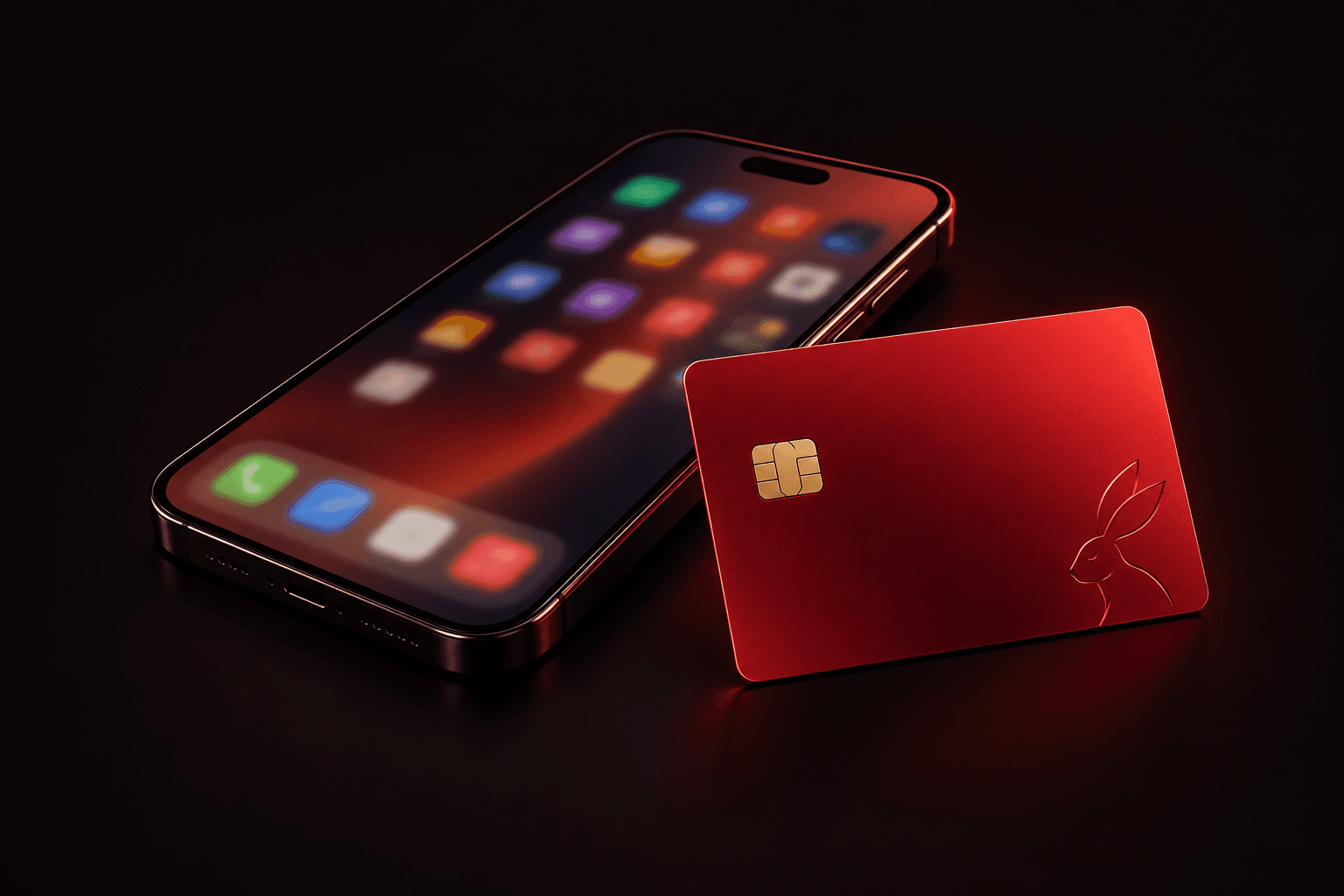
· 7 min read
How to Pay for the App Store and Apple Subscriptions
Apple Account region vs card country, iCloud+, Apple Music and App Store purchases: which card works, how to change region and why Apple declines.
Read
· 8 min read
How to Pay for Midjourney and Cursor from Russia
How to pay for Midjourney, Cursor, GitHub Copilot and Perplexity with a foreign virtual card: a step-by-step guide, fees and common decline reasons.
Read
· 7 min read
How to Pay for Steam and PlayStation Store from Russia
Topping up a Steam Wallet, buying on the PlayStation Store and PS Plus with a foreign card: account region, regional pricing and decline reasons.
Read